1
Import
Bring in your 3D model and set your material.

Domain owner
WeCarver CAM
Prepare your project, generate toolpaths, and control your ED1 in one workspace.

A simple workflow
Bring in your 3D model and set your material.
Set up the workpiece, choose tools and generate toolpaths.
Connect to your ED1 and run the job.
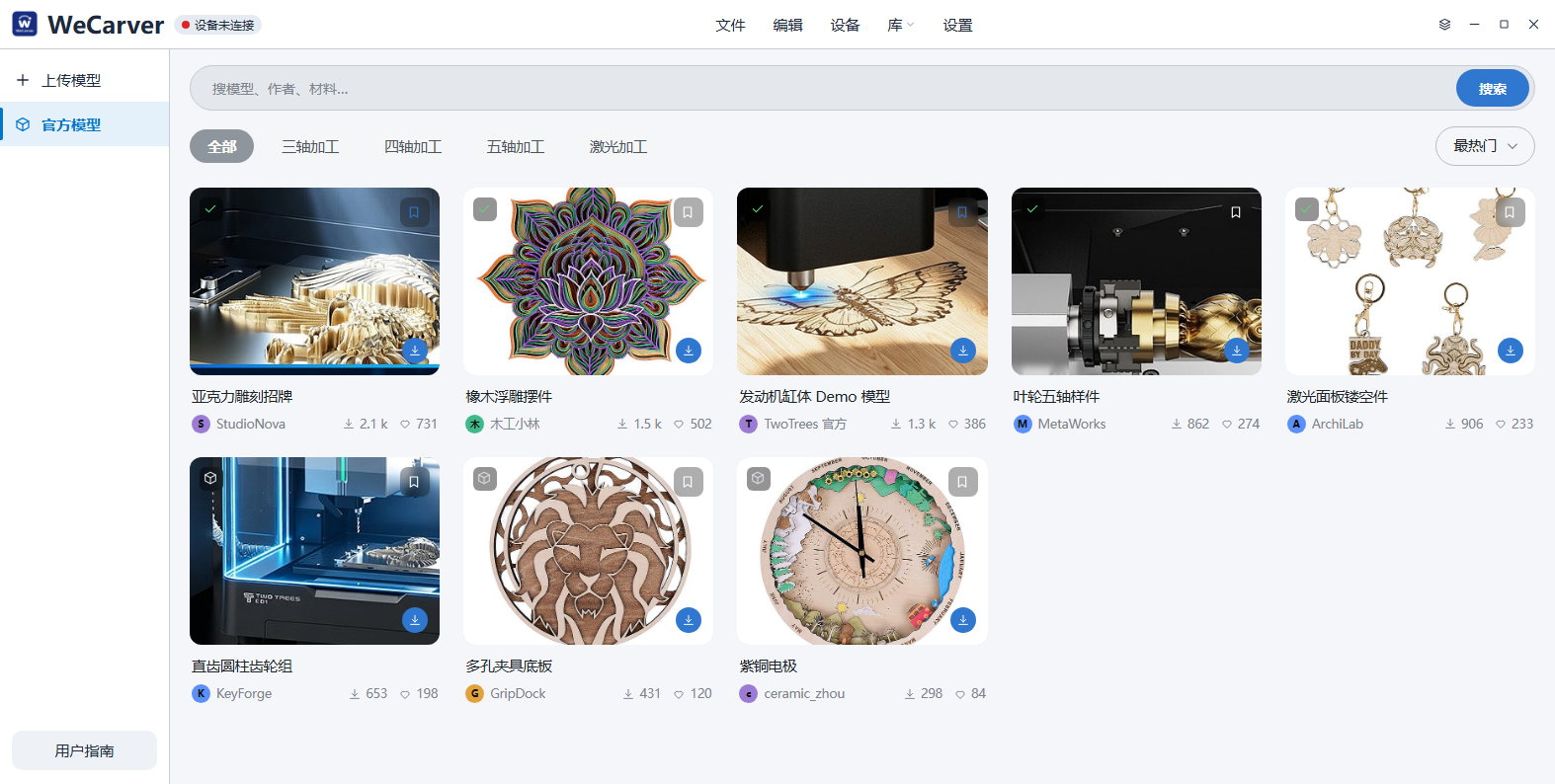
Prepare with clarity
Everything you need to prepare your project is right here. Set the material, define the work origin, and choose the right machining strategy for reliable results.
Set material size and position, and define how it sits on the table.
Set the XY and Z origin with flexible options such as corner, center or surface.
Choose from roughing, finishing and more, then generate toolpaths for your project.
Control with ease
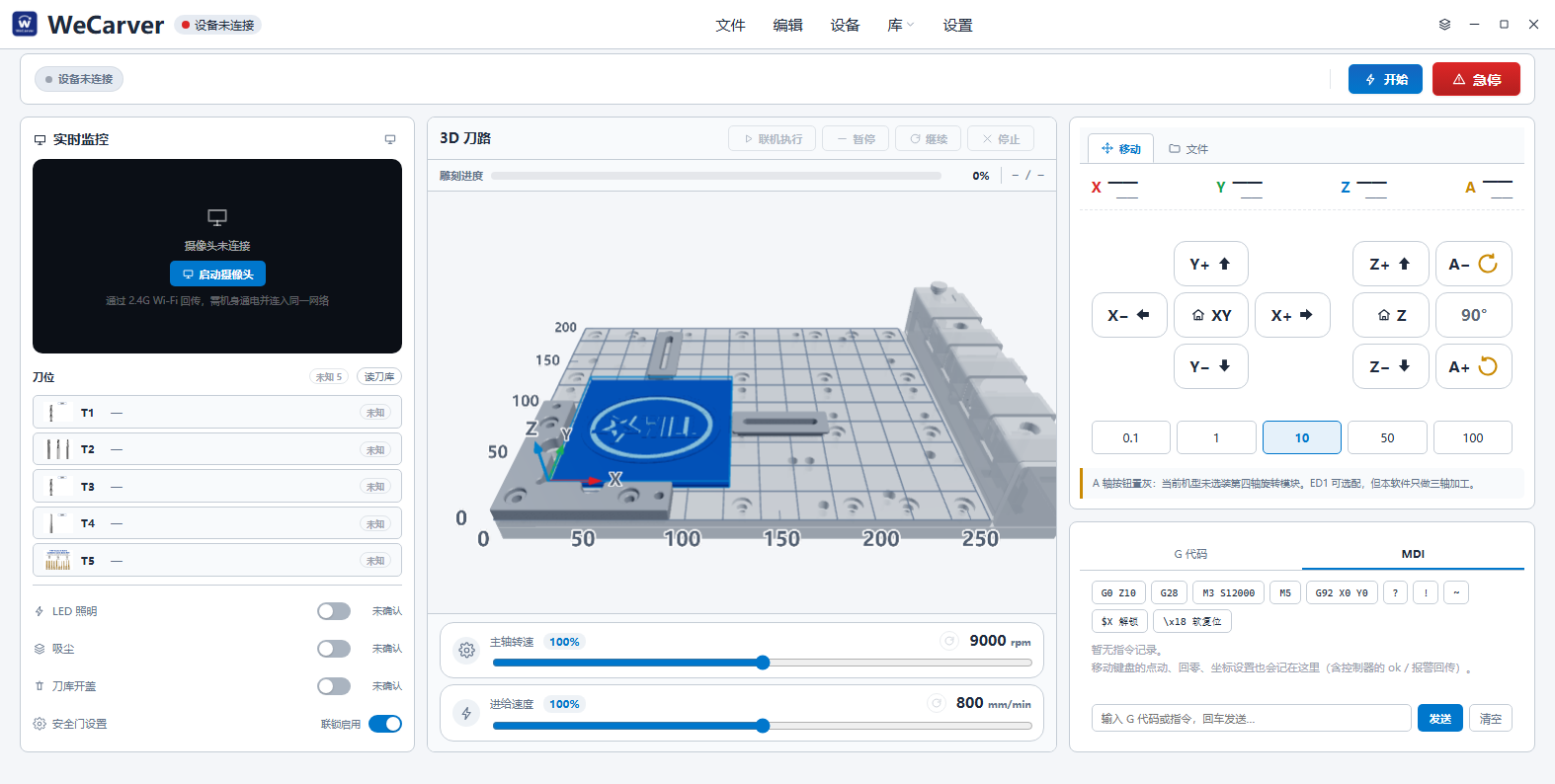
Connect your ED1, manage tools, and control the machining process in one clean interface.
Organize your tool list and set cutting parameters for each operation.
Jog, set positions, and control the machining process directly from the software.
Use the built-in camera for real-time monitoring and precise positioning.
Resources for a smoother workflow
Common materials with recommended parameters to help you get started.
Predefined tool data for TWO TREES tools and popular end mills.
Optimized settings for your machine.
Proven machining strategies for different materials and applications.
Learn by doing
A step-by-step introduction to importing a model, setting up a workpiece, and generating toolpaths.
Follow the full workflow from model to finished piece on your ED1.
Get WeCarver CAM and start turning your ideas into real projects with your ED1.