 1
Prepare your model
Import or create a design and position it on the virtual work area.

Design, set up, and carve with WeCarver CAM. A straightforward workflow that helps you turn your ideas into real projects on the TwoTrees ED1.
1
Import or create a design and position it on the virtual work area.
 2
Choose tools, define machining strategies and preview the result.
 3
Send to your ED1 and bring your design to life.
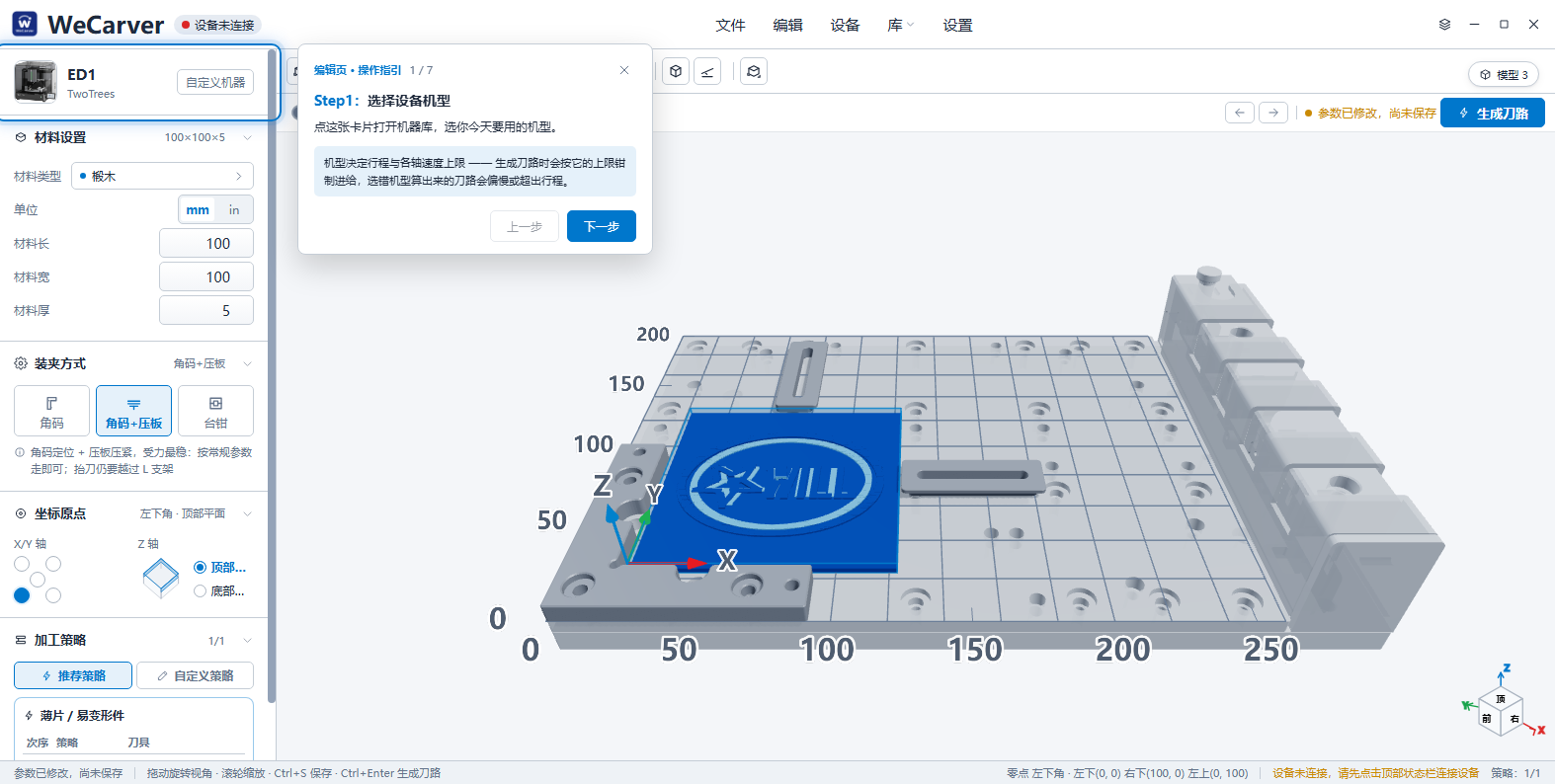
Configure your material, fixtures, origins and machining strategies in a clear, visual workspace. WeCarver CAM gives you the essential tools to prepare your project for reliable results on the ED1.
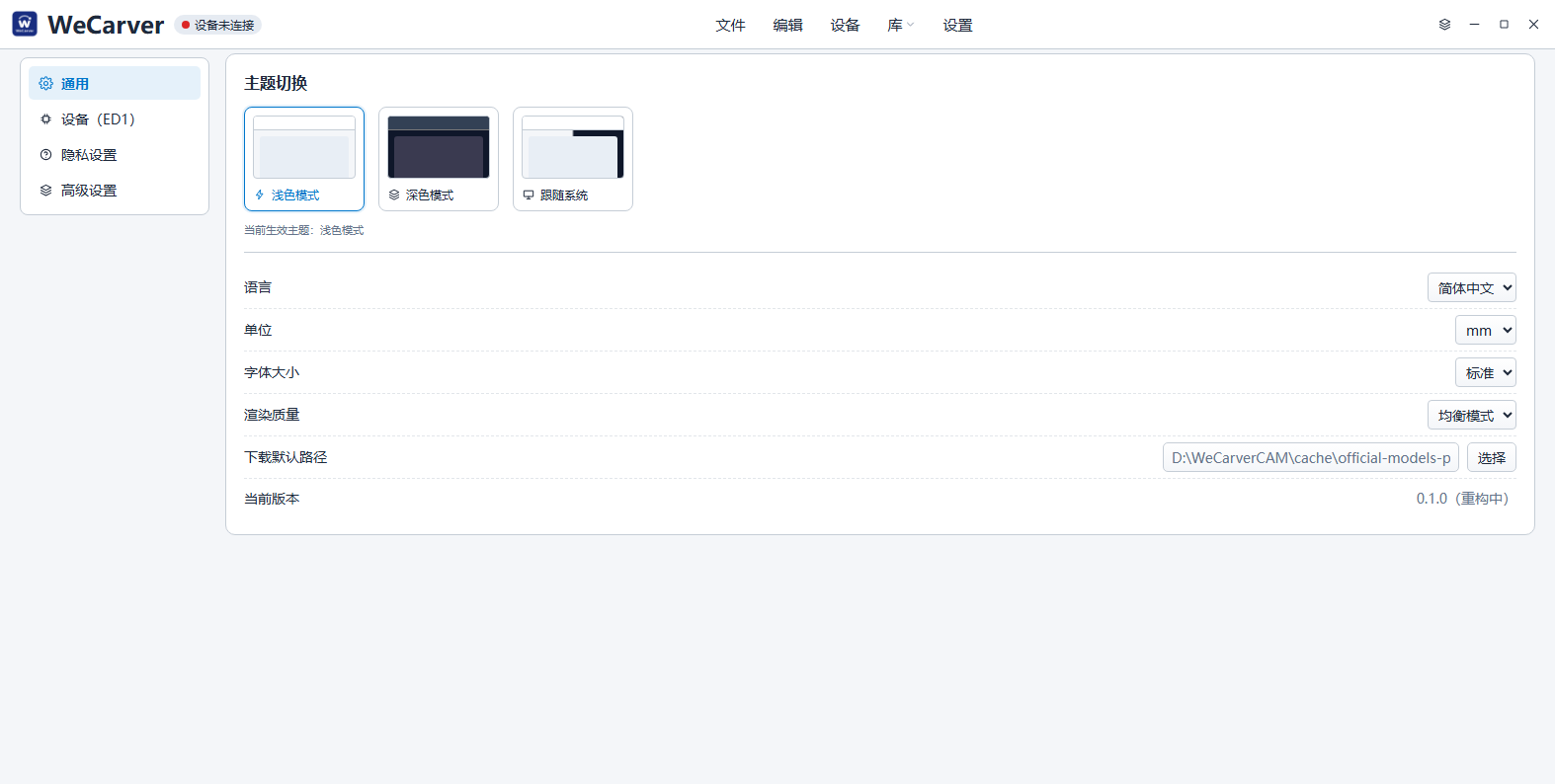 Material settings
3D workspace
Toolpath strategies
Fixture and work origin
WeCarver CAM includes practical libraries to help you get set up quickly and focus on making.
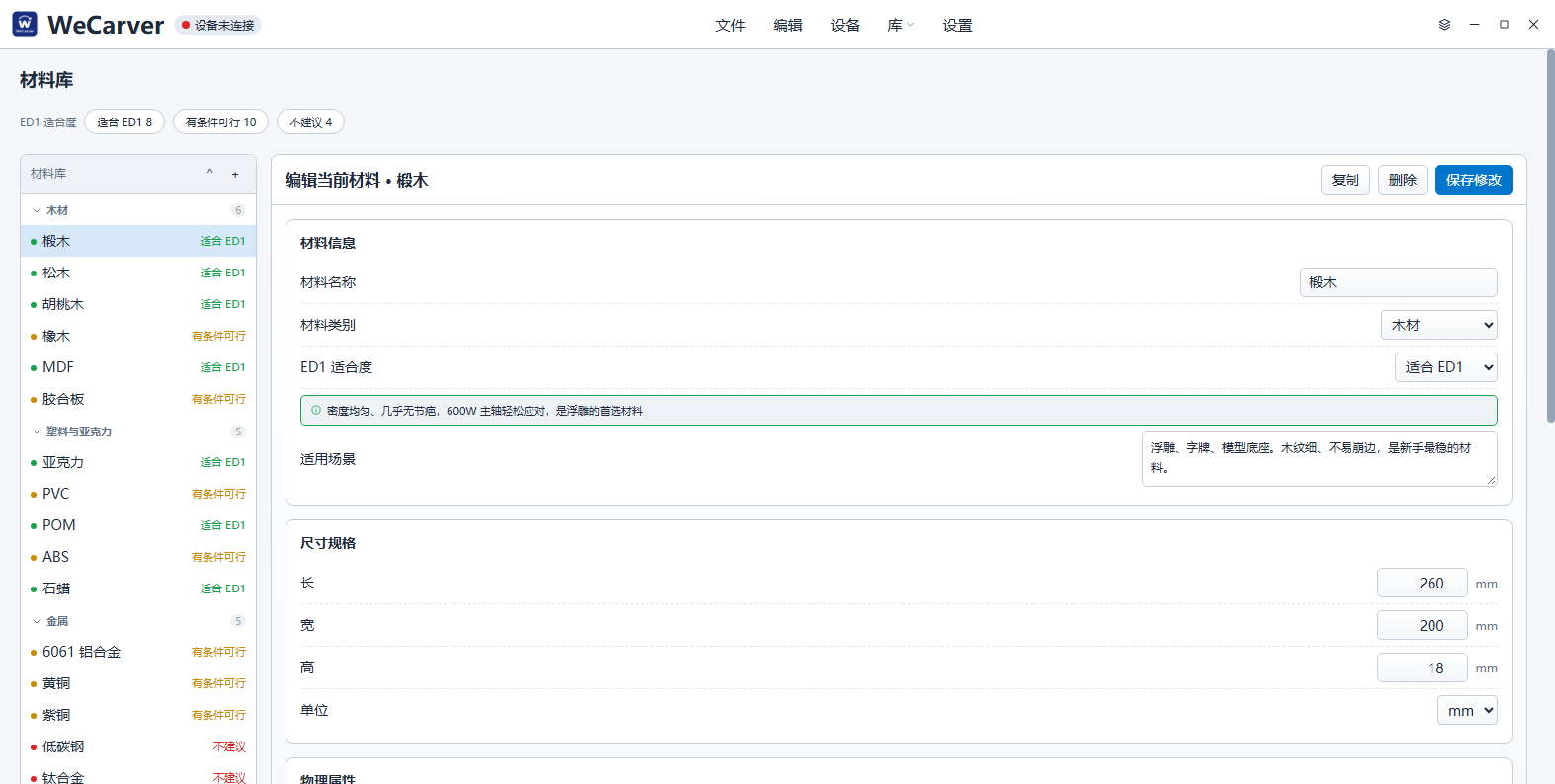
Common materials with recommended parameters to get you started.
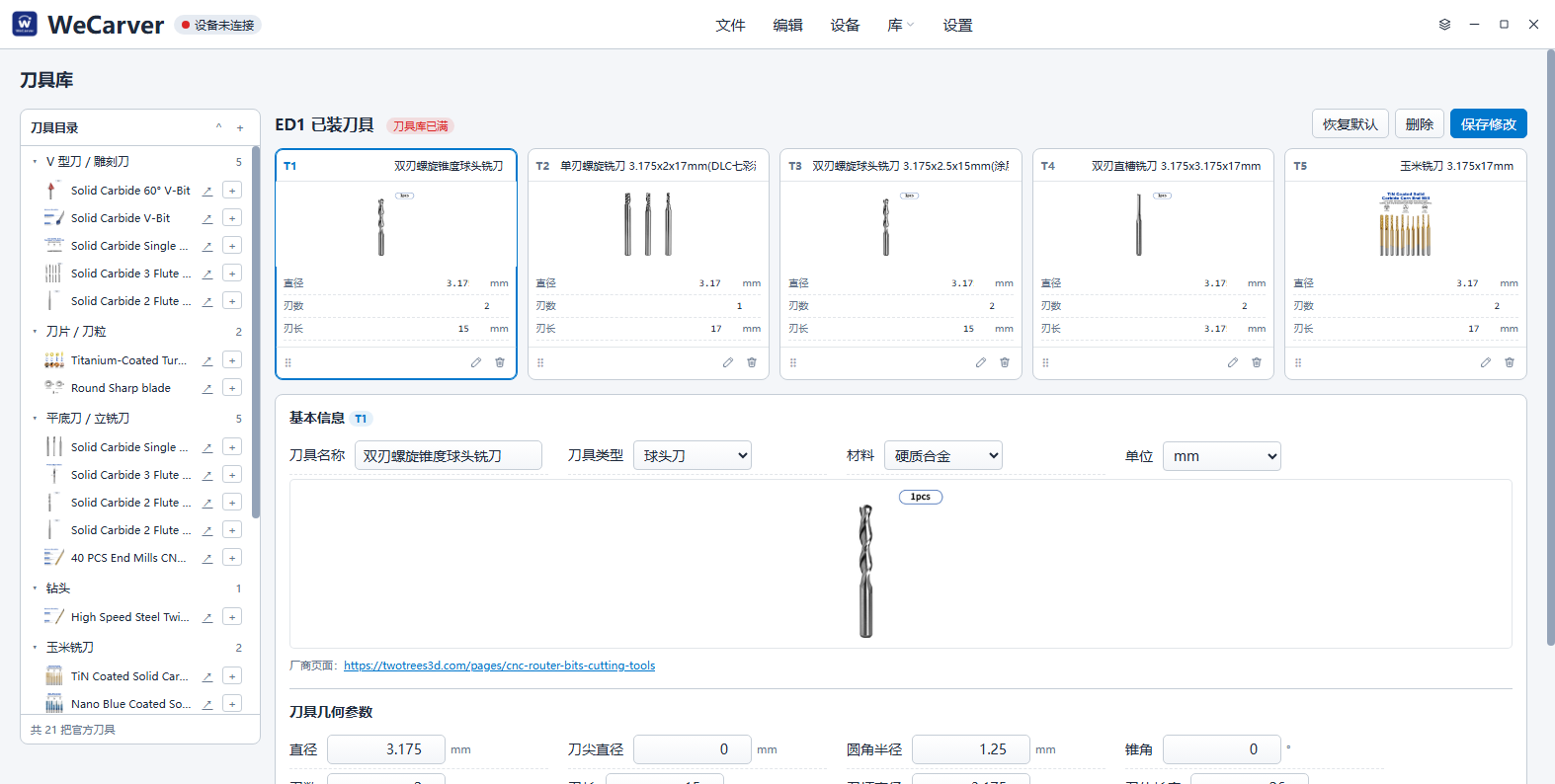
Manage your cutting tools and parameters for different materials and operations.
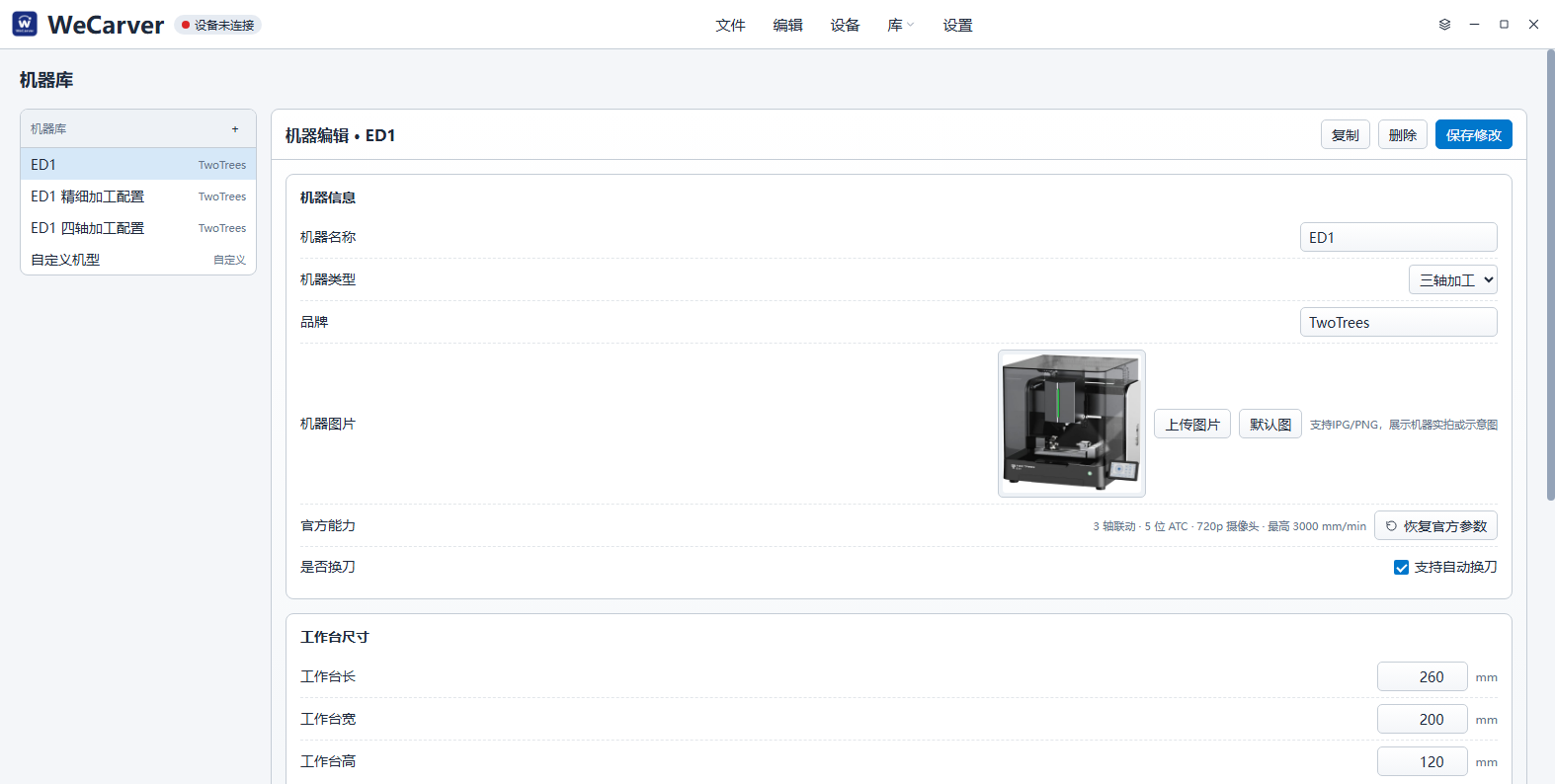
Preconfigured for TwoTrees ED1 with accurate work area and machine settings.
Ready-to-use machining strategies for common tasks, from roughing to finishing.
Machine controls, tool management and camera monitoring — all in one place.
Send your project, control key machine functions and monitor the process with the built-in interface designed for the TwoTrees ED1.
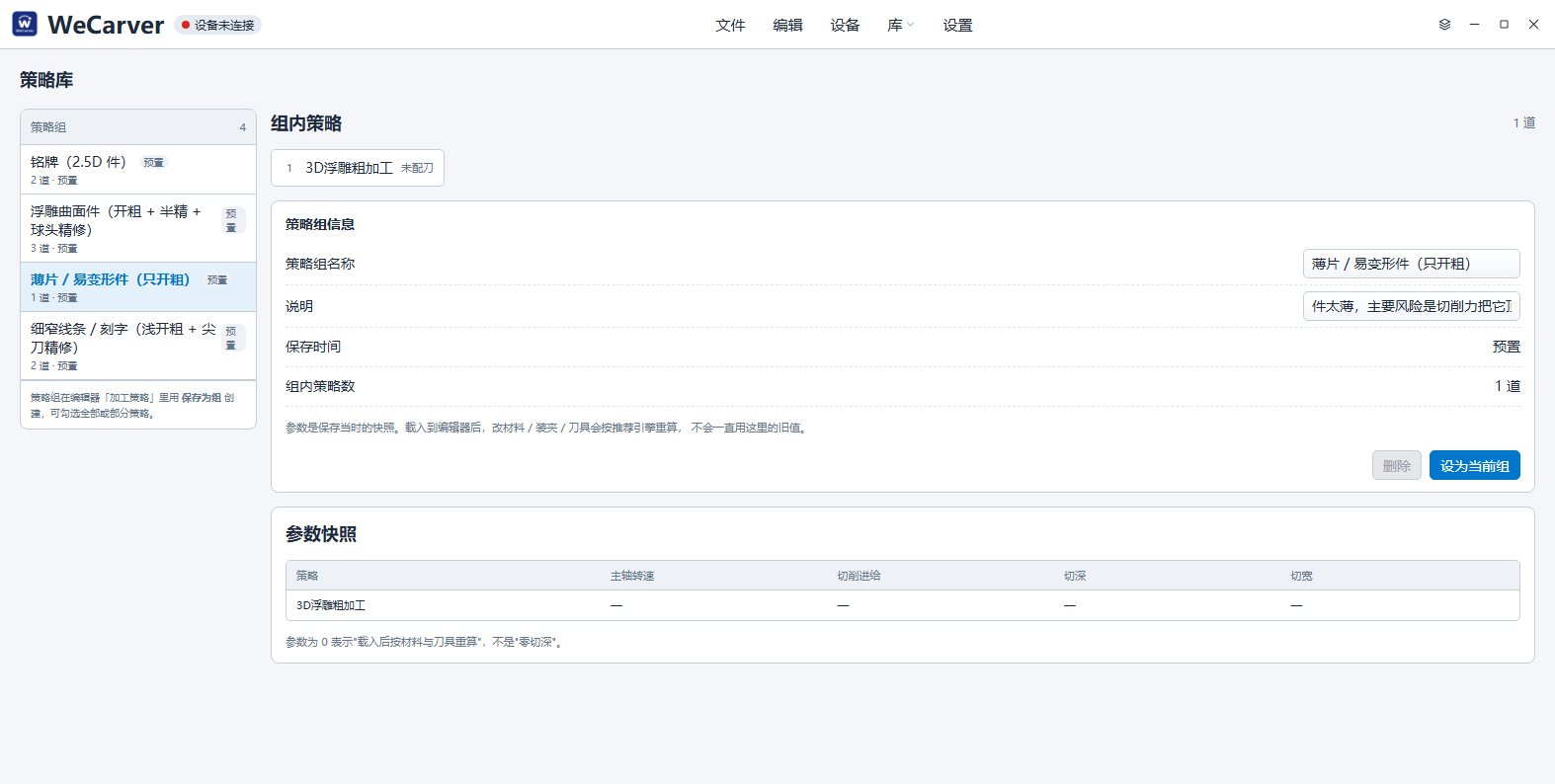
Step-by-step tutorials to help you get started and explore more with WeCarver CAM.
Learn the basic workflow from importing a model to generating a toolpath for your ED1.
Follow a real project and see how digital tools and machining strategies come together.
Design, prepare and carve with WeCarver CAM on your TwoTrees ED1.